Landing Pages & Lead Funnels
Focused pages for a campaign or specific offer, built to remove distractions and guide visitors toward one clear action.
I build custom-looking WordPress websites, landing pages and performance-focused experiences for businesses that need a stronger digital front door.
A website has to present the business, earn trust and create an obvious next step. These services are designed around those jobs rather than around a list of technologies.
Focused pages for a campaign or specific offer, built to remove distractions and guide visitors toward one clear action.
Practical WordPress builds that feel custom on the front end while remaining manageable for everyday content changes.
Small, focused custom functionality when an off-the-shelf plugin does not solve the actual requirement cleanly.
I plan the website around the commercial journey: what the visitor needs to know, where confidence comes from and where the enquiry should happen.
Map your website ↗These are the quieter parts of the work that make the finished website easier to use, easier to maintain and less frustrating on real devices.
Search-friendly page structure from the start rather than treating SEO as an afterthought.
Lean layouts and disciplined assets help visitors move through the site without unnecessary friction.
The design is not finished until it works properly across the screens your prospects actually use.
We identify what exists, what is missing and what the website is expected to improve.
Pages, content hierarchy, user paths and the right level of WordPress customization are mapped.
The design is implemented with responsive behaviour and the agreed functionality.
Mobile usability, performance details, content clarity and basic on-page SEO are checked.
After launch, pages can evolve with the business instead of being abandoned as a one-time build.
Simple answers to the questions that usually come up before a website project begins.
WordPress is a core service. I also build responsive front-end experiences with HTML, CSS and JavaScript when a project calls for a custom standalone front end.
Yes. The work can focus on redesigning sections, improving page structure, adding features, fixing responsive issues or improving basic on-page SEO and performance foundations.
The service is focused on basic on-page SEO foundations: page intent, titles, headings, URLs, internal linking and related structure. Full SEO campaigns are a separate scope.
Choose a complete website, a focused landing page or a practical improvement to an existing build. Each service starts with the outcome the page or feature needs to support.
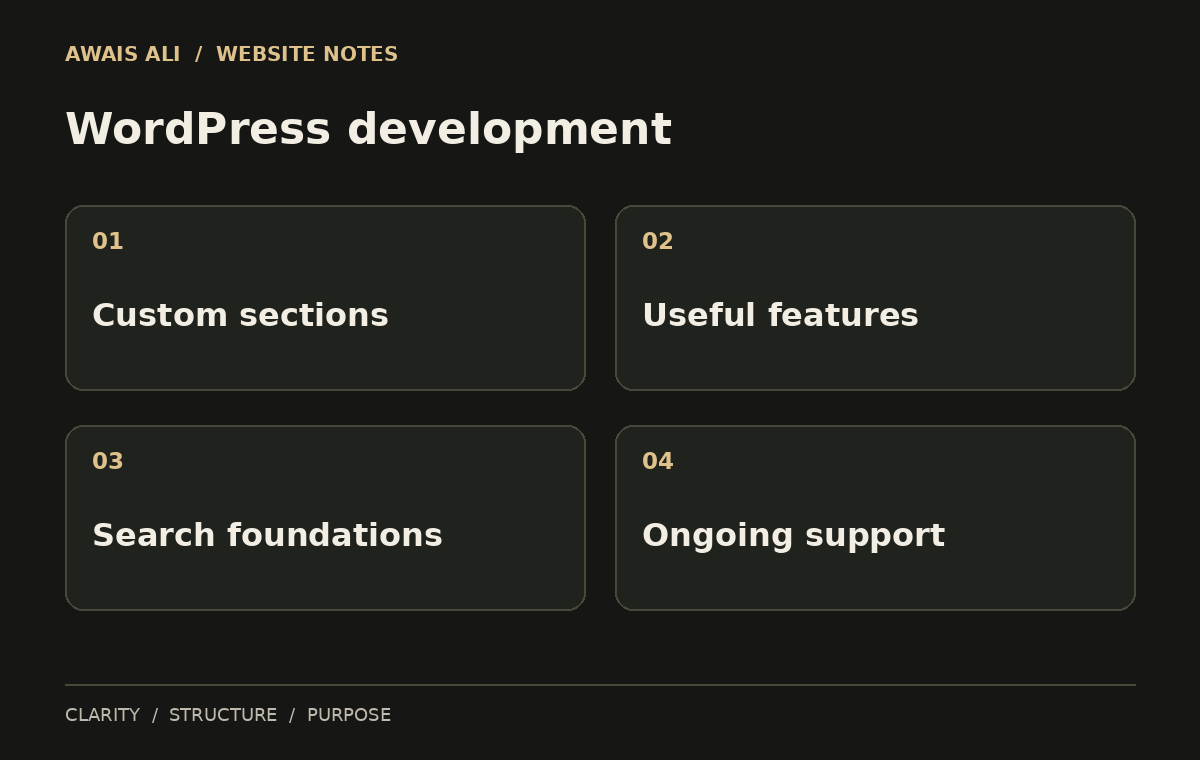
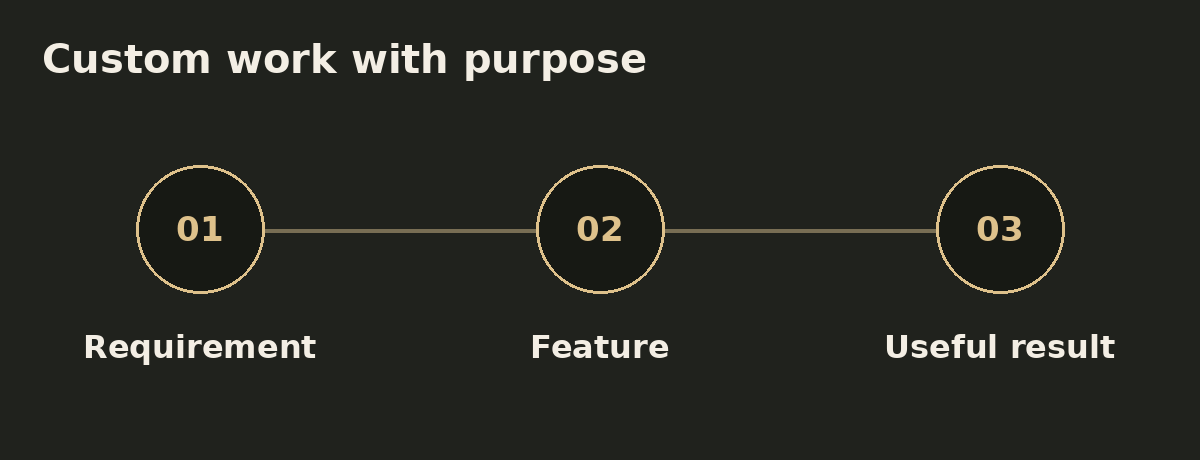
WordPress development can range from a tailored content section to a complete theme structure. The useful starting point is the requirement: what must the page communicate, what can the owner maintain and which features are essential? The implementation should follow those answers. A custom feature is worthwhile when it solves an actual requirement more clearly than an existing option.
A good-looking interface still needs a logical visitor journey. WordPress development should connect the navigation, service information, proof and enquiry actions so people can find their way. That may involve a focused landing page, a reusable section or a small form improvement. Reviewing the complete journey helps avoid adding isolated features that make the site harder to understand.
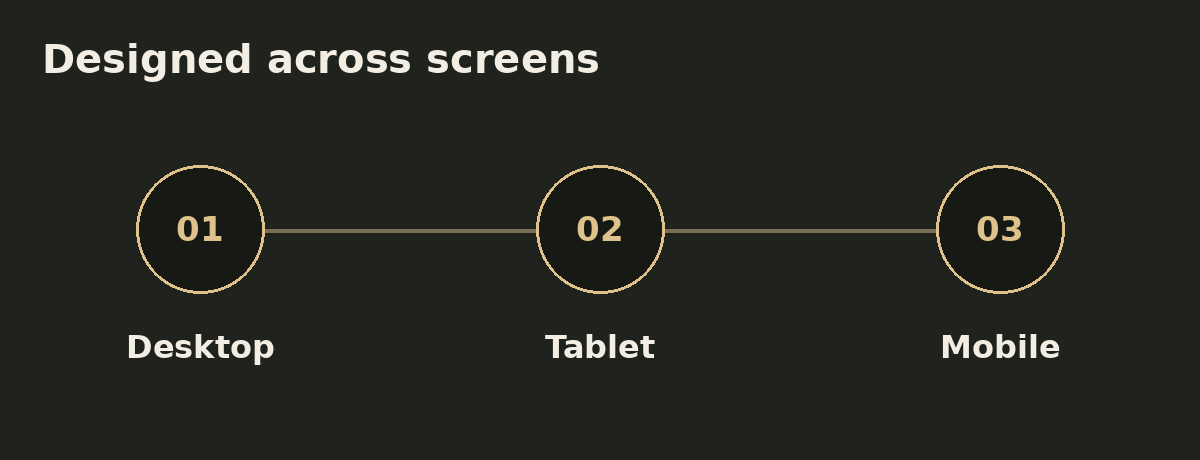
Responsive behavior belongs inside WordPress development rather than at the end of the project. Long headings, stacked cards, touch targets and form fields all need room on smaller screens. A layout should also remain readable at tablet sizes, where desktop columns can become cramped. The refinement stage checks those transitions alongside the agreed content and functionality.
Before a build starts, discuss who will manage content, what will need updating and whether ongoing help is required. WordPress development is easier to maintain when those responsibilities are clear. Support can be scoped around specific changes, new pages or technical issues. Hosting, domain services, paid extensions and third-party accounts should be discussed where they are relevant to the project.
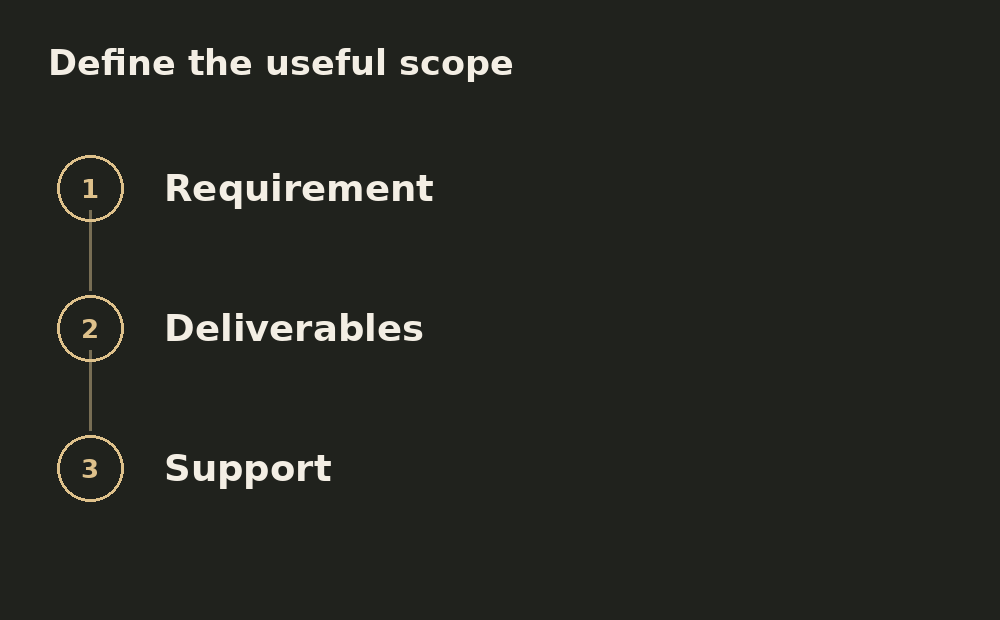
WordPress development is scoped around page count, content readiness, custom functionality and review needs. Share the existing site and main requirement so the discussion can identify useful deliverables. A small feature and a complete build need different estimates.
Yes. A WordPress development project can combine a new page structure, responsive implementation, on-page SEO foundations and performance improvements. The agreed scope defines the actual deliverables.
Not always. Share the existing site and the issue you want to solve. A focused section, page or feature improvement may be the more practical starting point.
Further reading: WordPress theme development documentation. Explore services, selected work or discuss your website.
Tell me what is not working today — a weak first impression, an outdated WordPress site, poor mobile UX or a missing lead path — and we can scope the smallest useful build.